 CZENVAULTCZENVAULT
Your phone is a pocket archive of your life — photos, documents, contacts, conversations. If it is searched, seized, lost, or simply browsed over your shoulder, everything on it is exposed.
Locks and PINs protect a phone that is full. CzenVault takes a different approach: the strongest data on a phone is the data that isn't there.
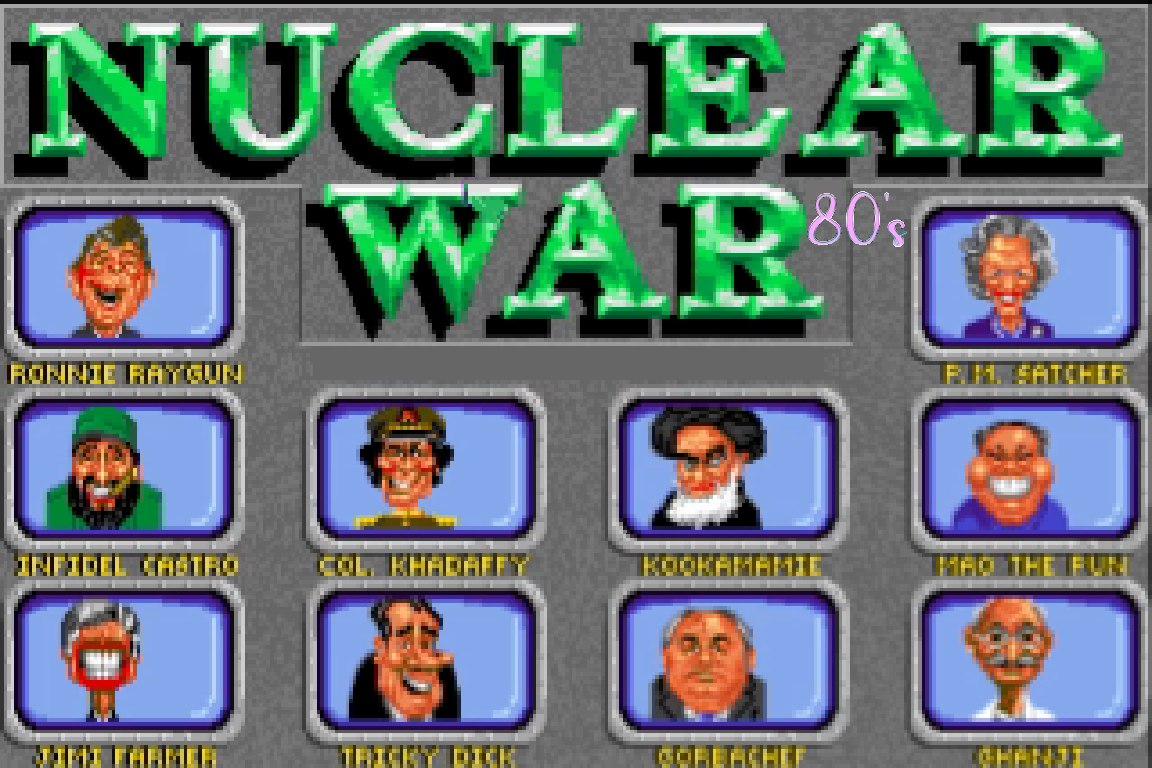
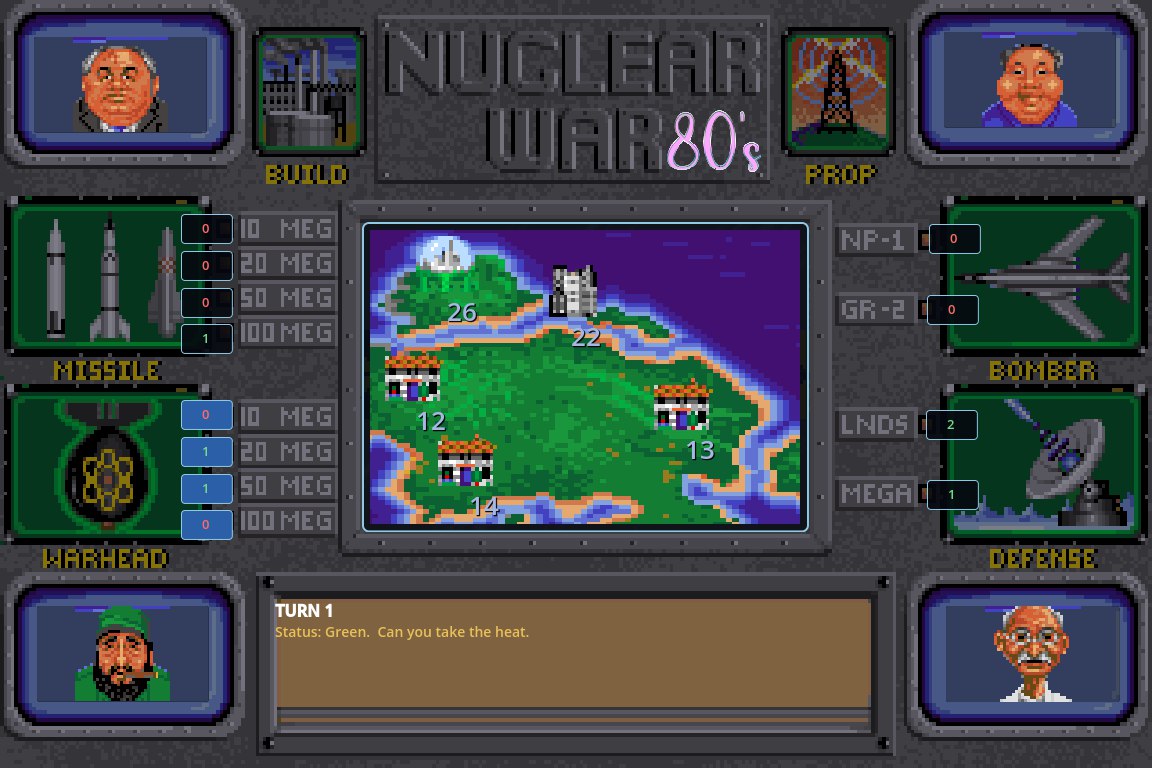
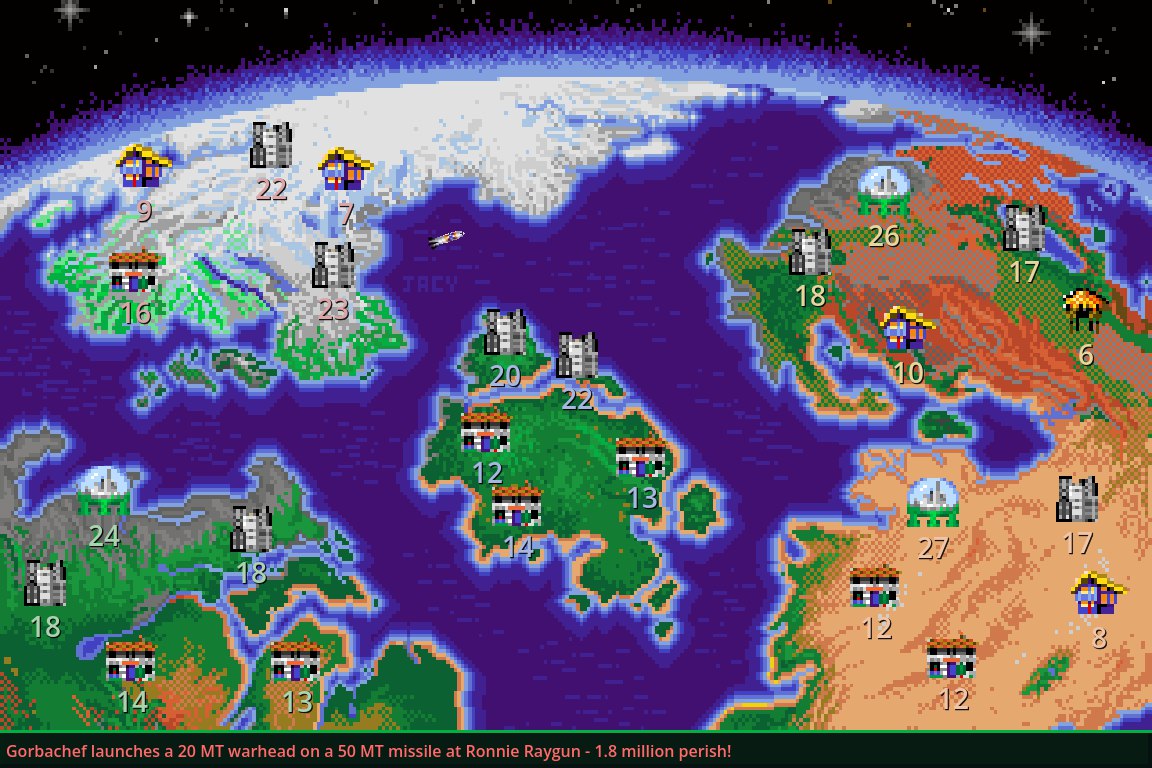
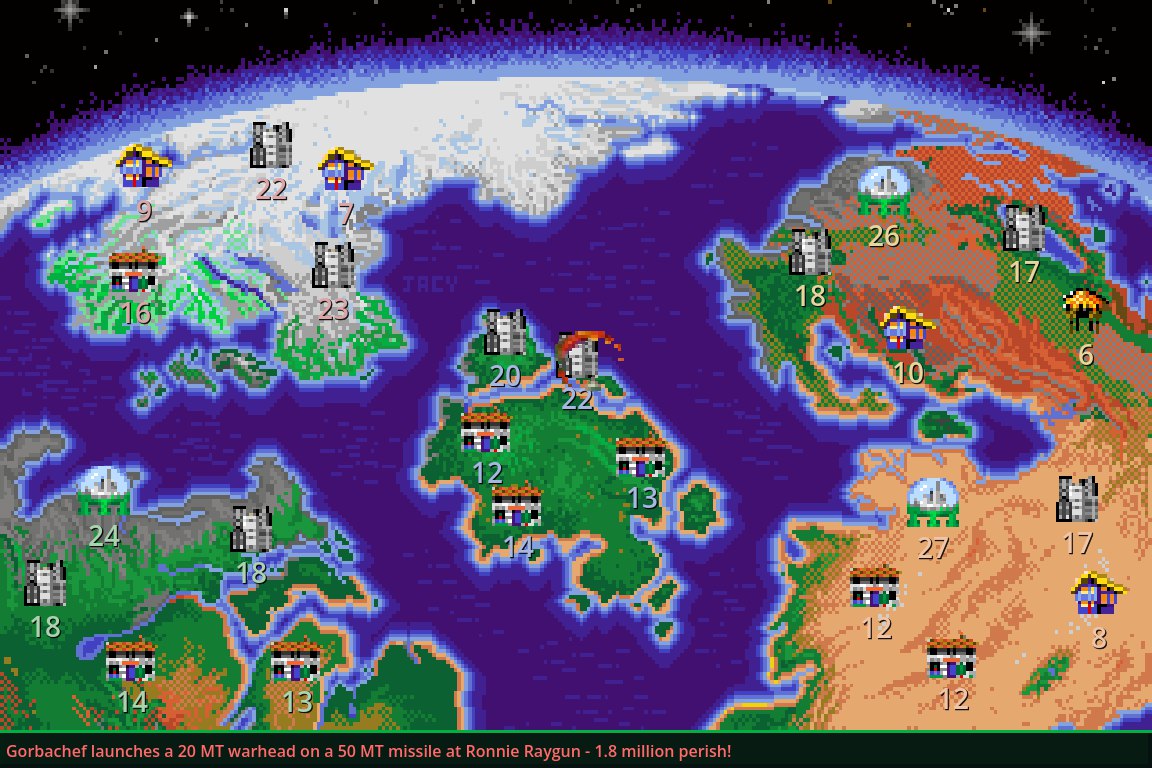
All of this is the disguise. Behind the red pill waits the vault — passphrase-only, invisible to anyone holding your phone.
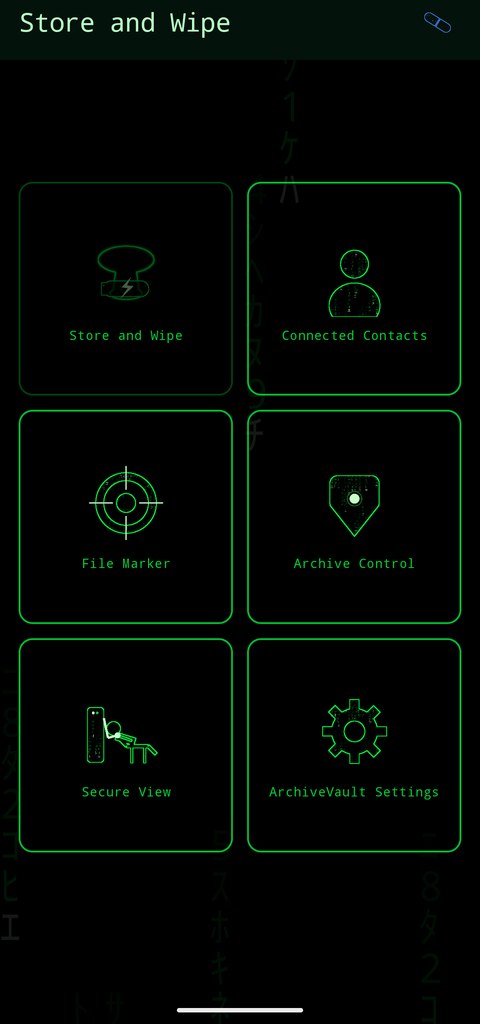
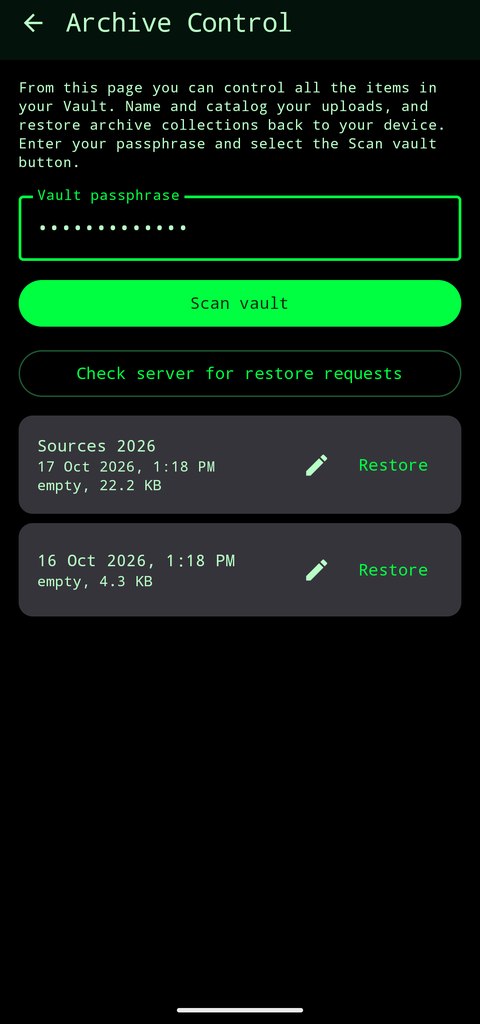
Argon2id + AES-256-GCM encryption, done on your phone. Your passphrase never leaves your hand. The server stores only ciphertext — we cannot read your vault, and we cannot recover it if you lose your passphrase. Not for anyone.
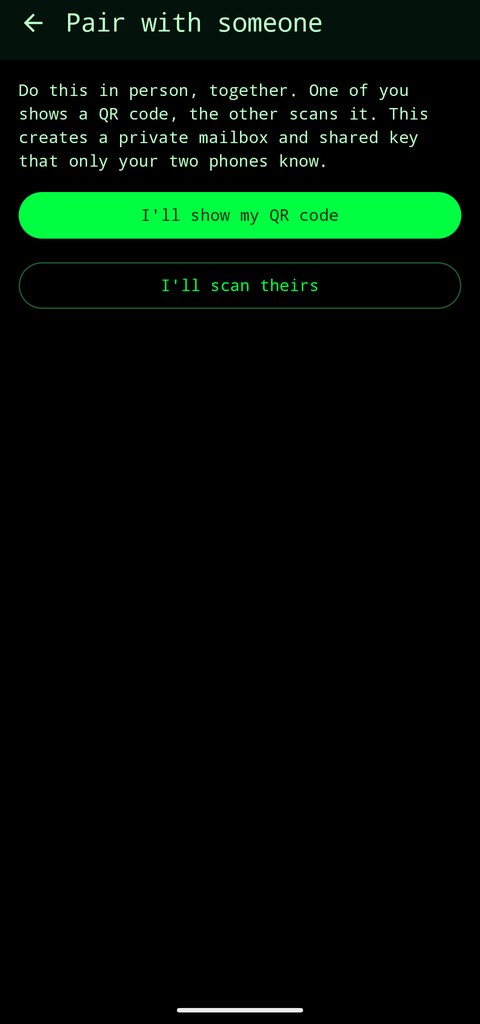
Text and voice notes with people you pair with in person by QR code. Messages travel through anonymous mailboxes the server cannot link to anyone — no accounts, no contact uploads, no logs. You choose what burns and what remains.
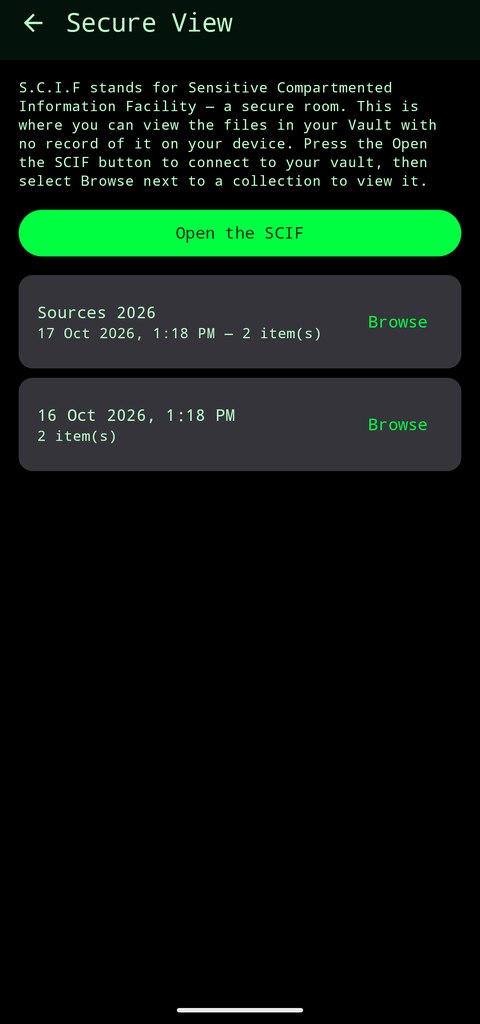
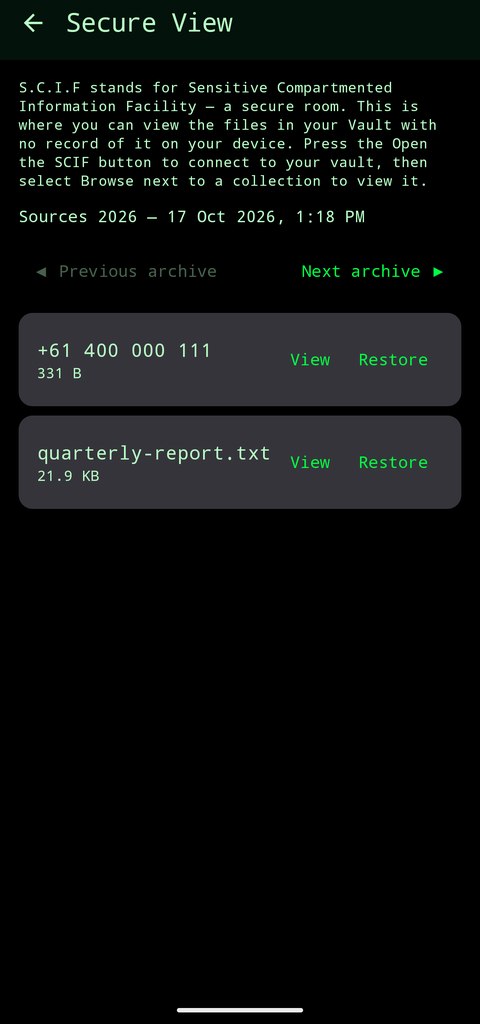
Look inside your vault without restoring anything. Items are decrypted for your eyes only, in a screenshot-proof room that wipes itself the moment you leave. No trace, no copy, no memory.
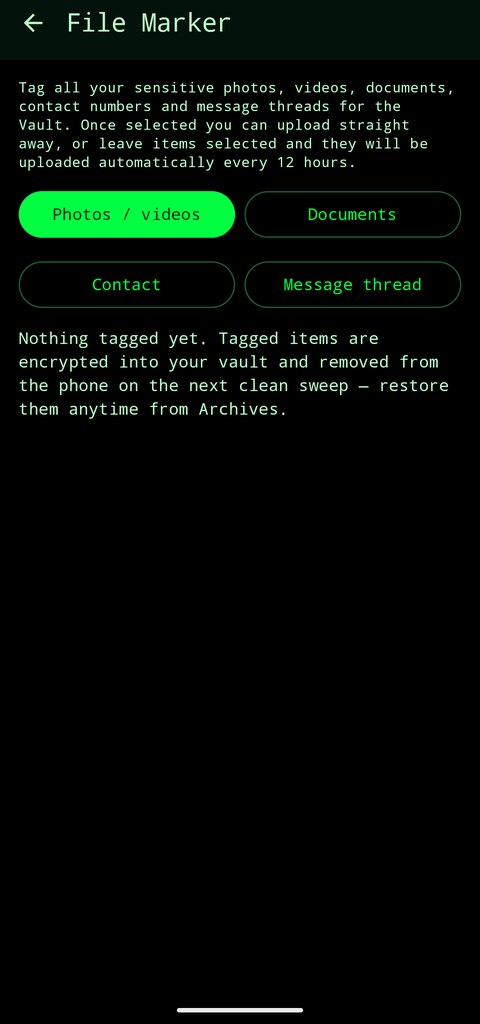
Set it and forget it — the vault sweeps tagged items automatically every 12 hours, so a clean phone is a habit, not a chore.
CzenVault presents as a casual game. The vault opens only with your passphrase. What looks like playtime is your privacy, working quietly.
Restore everything to your phone at any time and walk away — no lock-in, no export fees, no hostage data. Leaving takes minutes, and we tell you exactly how.
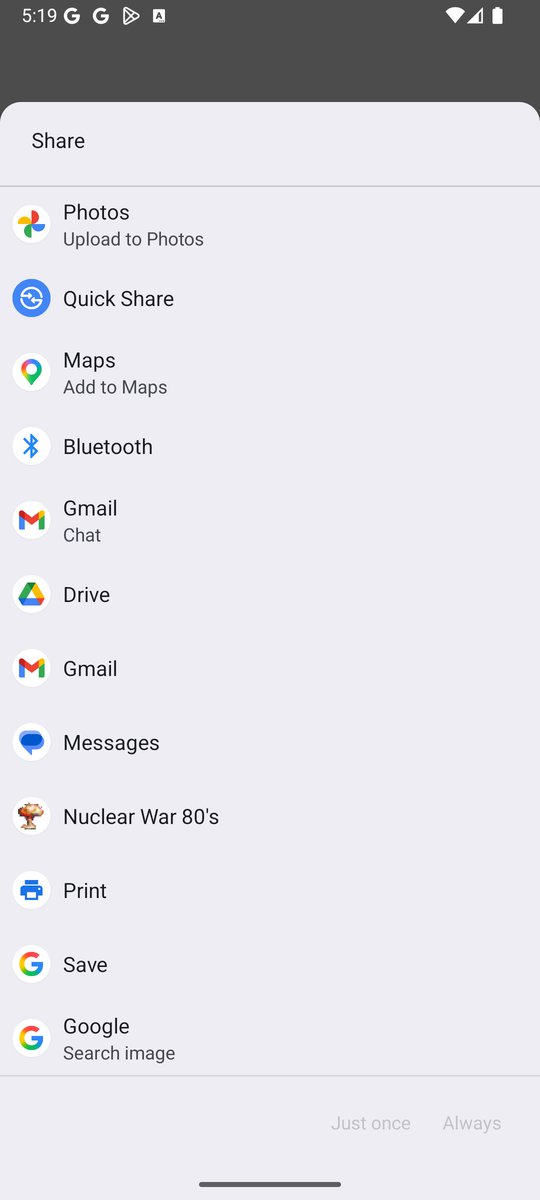
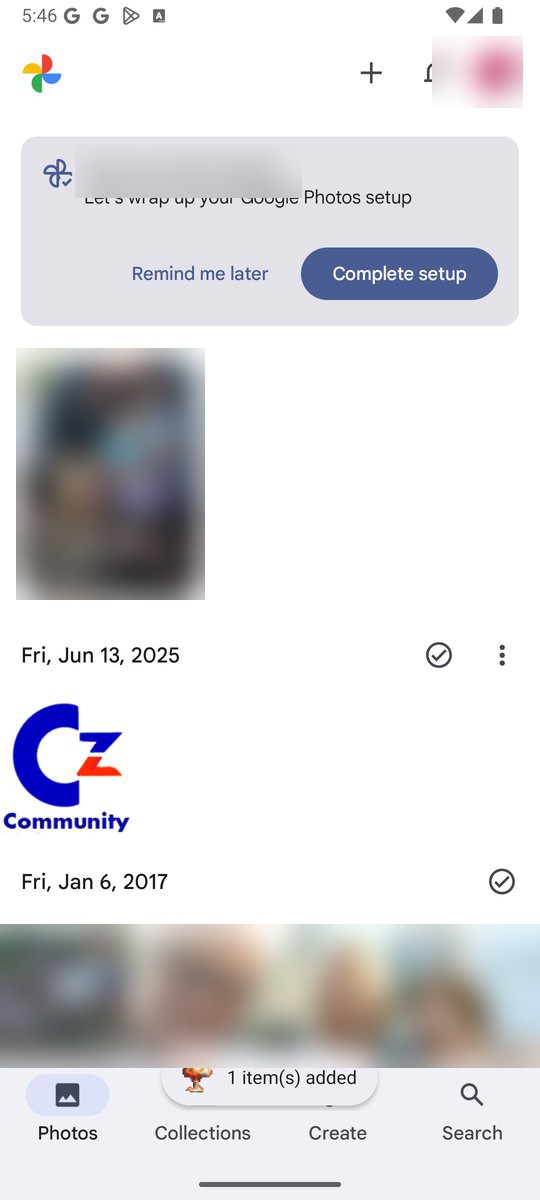
You don't even need to open CzenVault to tag something. From any app that can share — your gallery, a file manager, a browser — tap Share and choose Nuclear War 80's (that's the vault app's cover name). The item lands in your sweep queue instantly.
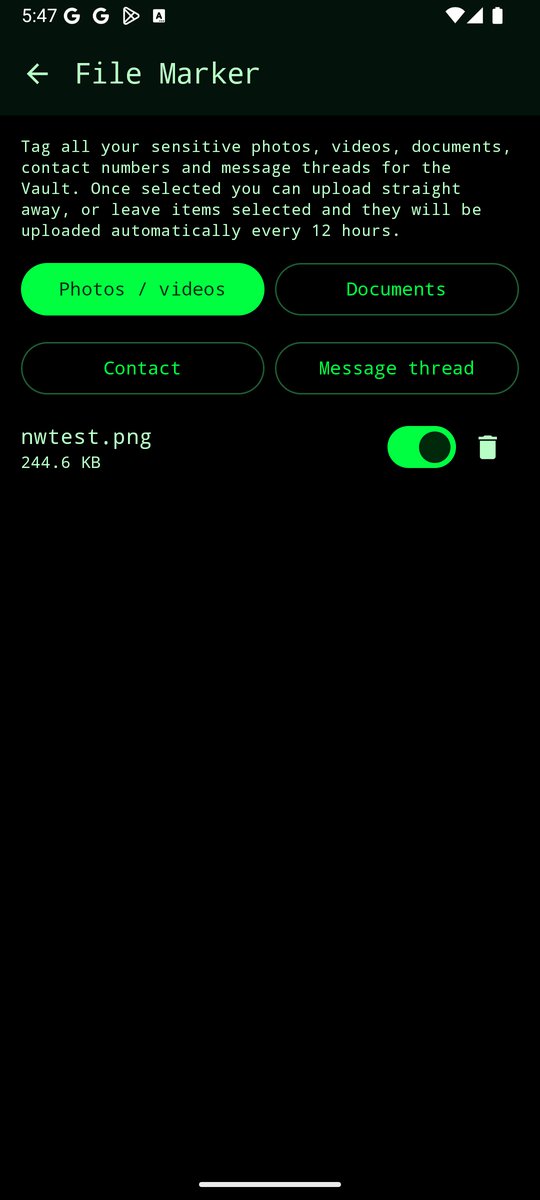
Sharing only tags. Nothing is encrypted or uploaded at that moment and nothing is deleted — archiving happens on your schedule, via the 12-hour automatic sweep or the in-app sweep button. You stay in control: anything you tagged by mistake can be untagged in File Marker before the next sweep.
CzenVault is Android only — there is no iPhone version. The app is downloaded directly from this site (not the Play Store), and it needs Android 8 or later. Make sure the phone you subscribe on is an Android phone. New here? See exactly what installing looks like →
Right after checkout: PayPal activates your subscription and your private access token is emailed to you within minutes, together with the app download link and a short setup guide. Nothing to configure on this page — the email has everything.
Every plan includes: encrypted vault storage with a generous allowance · encrypted text & voice messaging · SCIF secure viewing · automatic scheduled sweeps · delete-from-vault control · the Android app by direct download.
Your vault is a midpoint, not a hoarder's attic. Tag things on your phone, they're encrypted and swept to your vault, then download collections to your computer with the free offline viewer and delete them from the vault to free space. Your master copy lives with you — the server holds only what's in transit.
Storage per plan: Monthly and Quarterly — 10 GB vault, 3 GB/month uploads · Half-Yearly — 15 GB, 5 GB/month · Yearly — 20 GB, 5 GB/month. Uploads reset on the 1st. Near the cap the app warns and pauses auto-upload — nothing is ever deleted for you, and you can always download or delete collections yourself.
Secure checkout via PayPal — no card details ever touch our server. Longer plans mean fewer charges on your statement and nothing to think about month to month. Cancel anytime; your data walks home with you.
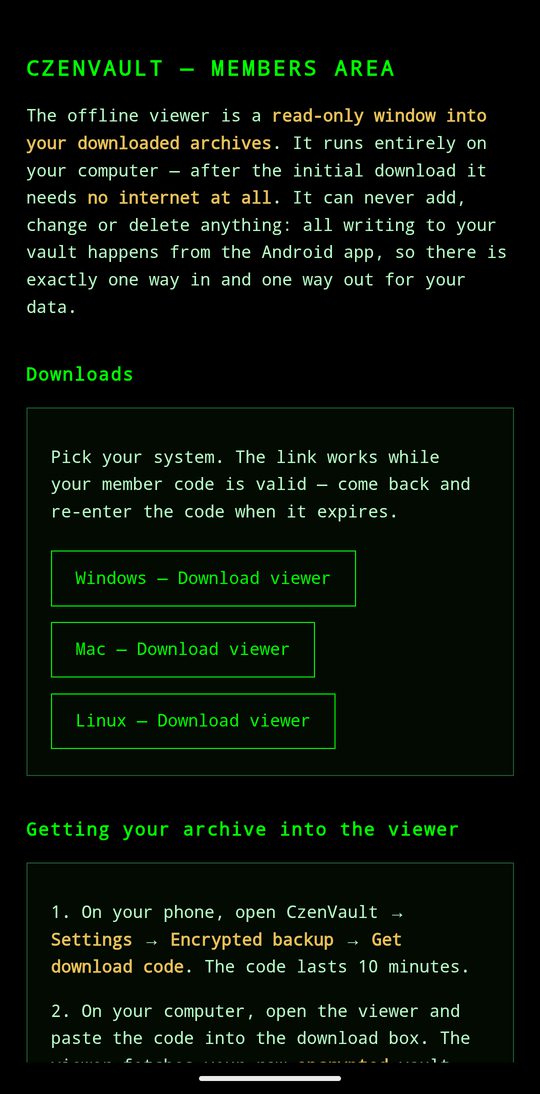
Subscribers and past subscribers can download a small, free program for Windows, Mac and Linux that opens your downloaded archive collections on a real screen. It is a read-only window: it can never add, change or delete anything. Every write to your vault happens from the Android app, so there is exactly one way in and one way out for your data.
It runs entirely on your computer — after the initial download it needs no internet at all, so your archive can be read with the network switched off.
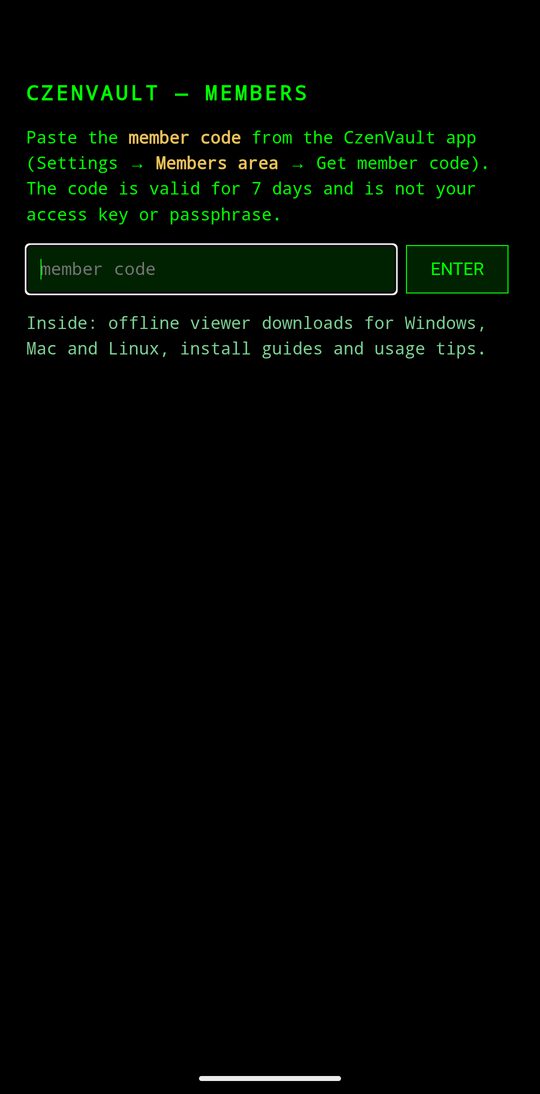
How to get it: in the app, open Settings → Members area → Get member code. The code is valid for 7 days and is not your access key or your passphrase — it only unlocks the members page. Enter it at czenvault.czenring.com/members and the downloads and step-by-step guides are right there. The Android app itself is there too — reinstalls and new phones never need an email.
The members area is deliberately gated to subscribers and past subscribers only. The viewer's whole job is opening strong encryption with your passphrase — we would rather not hand that tool to people whose only interest in it would be attacking the encryption.
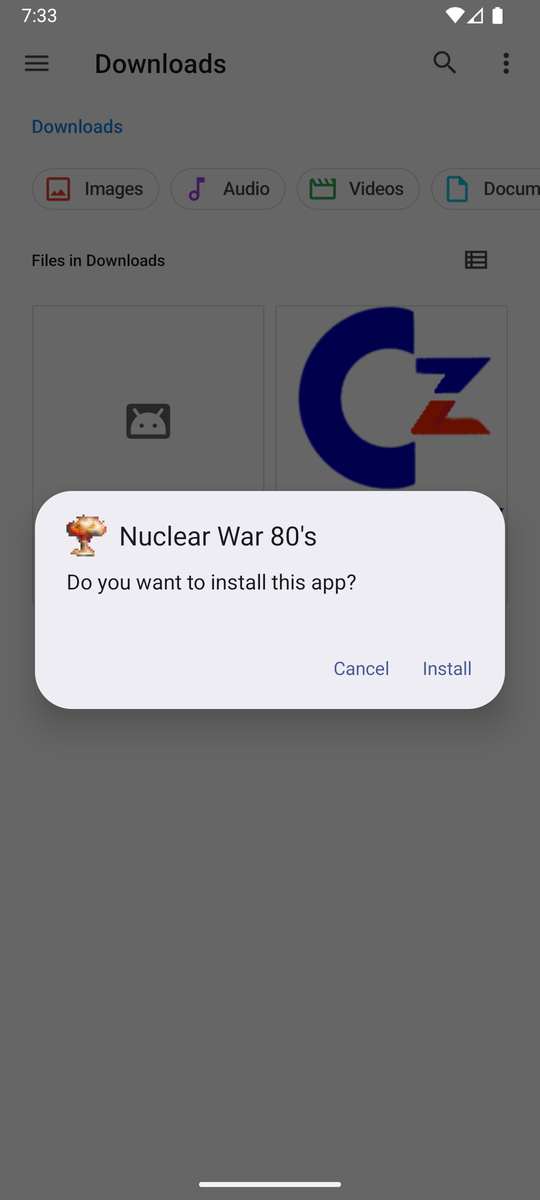
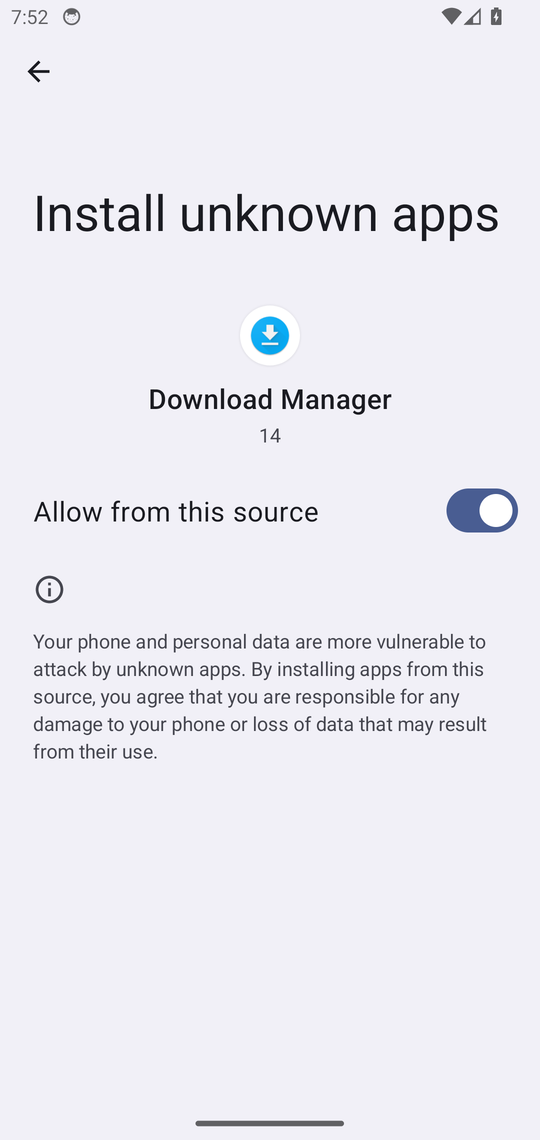
CzenVault is not on the Play Store, so Android treats the download as an "unknown app" and shows security warnings. That is normal and expected — the screenshots below are real, taken on two different Android versions, so you know exactly what to tap no matter how your phone words it.
After subscribing you get an email with the download link. Once CzenVault.apk finishes downloading, open it from your notifications or the Downloads folder. Your phone will stop you with a warning like one of these — this is Android protecting you, not a problem:
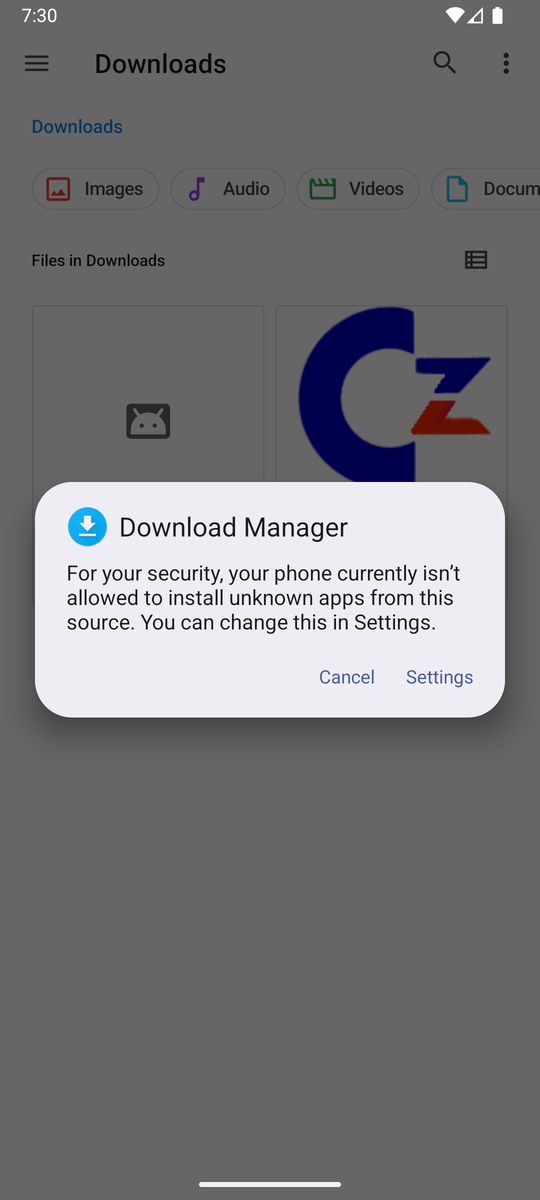
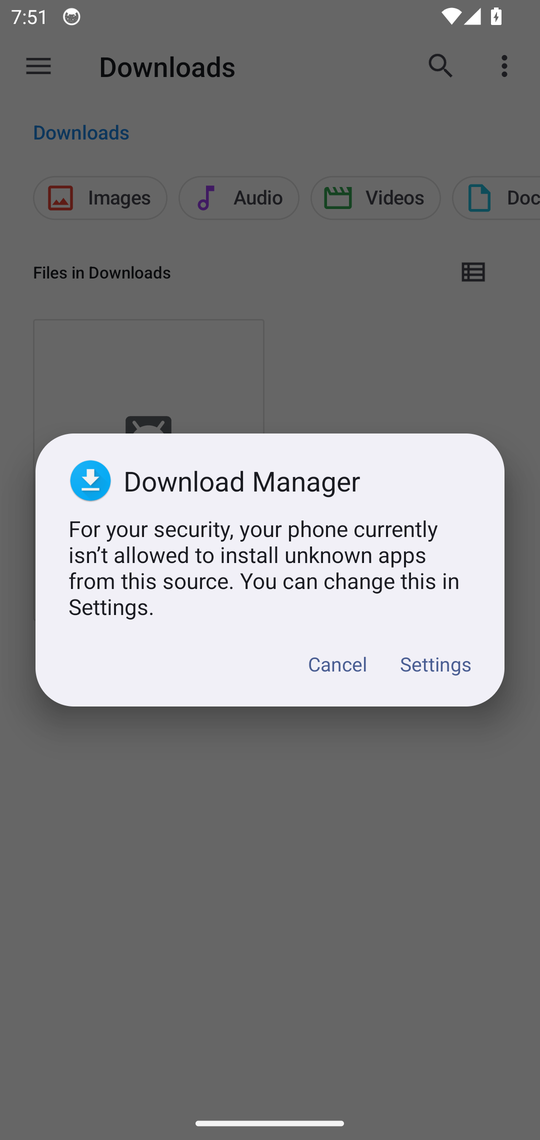
The next screen asks permission for the app that downloaded the file (your browser). Switch Allow from this source on, then go back:
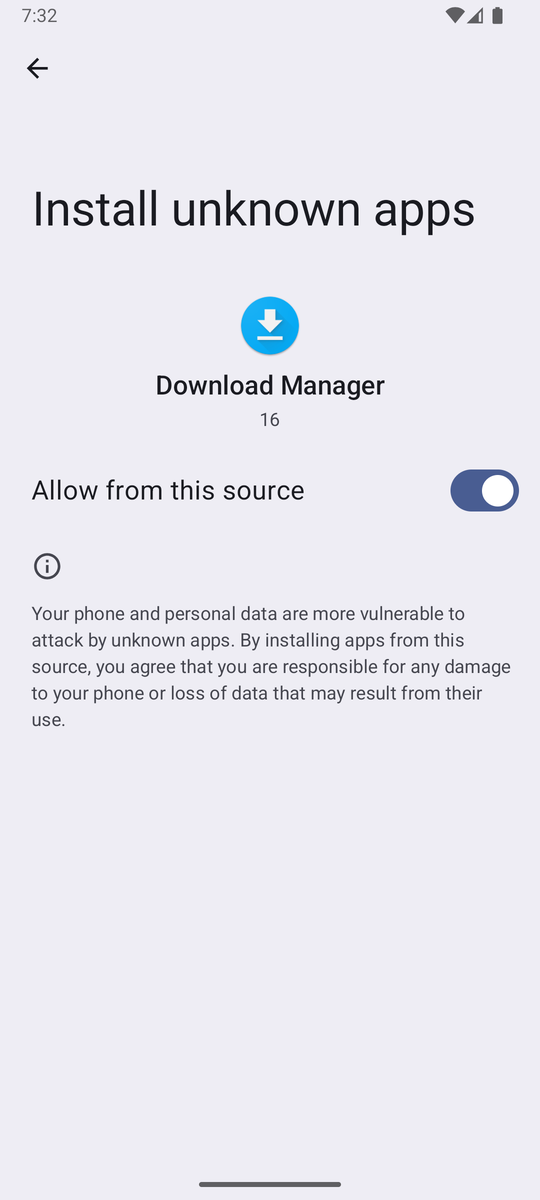
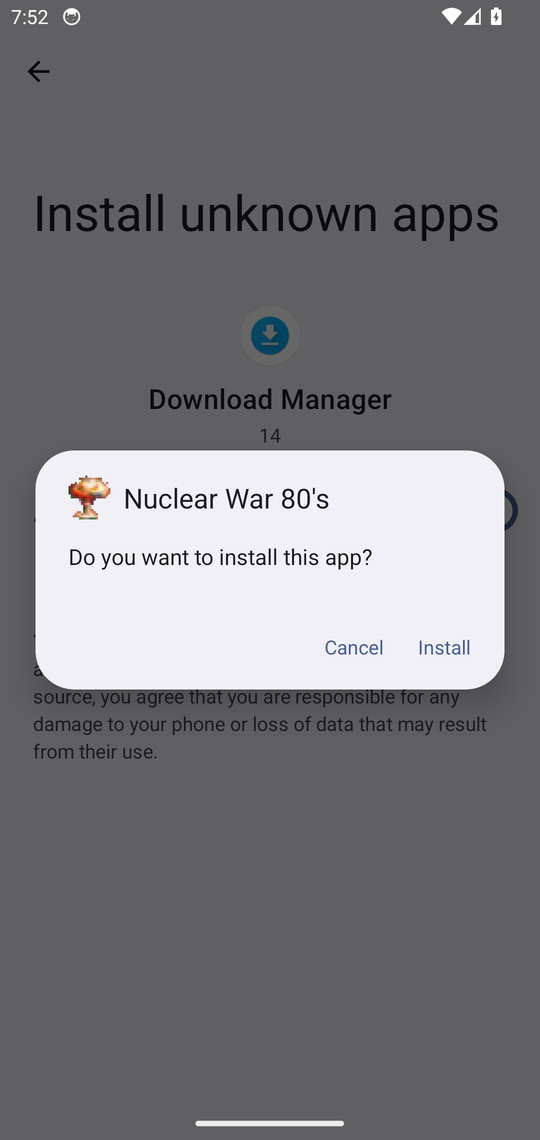
Back in your downloads, tap the file again and confirm:
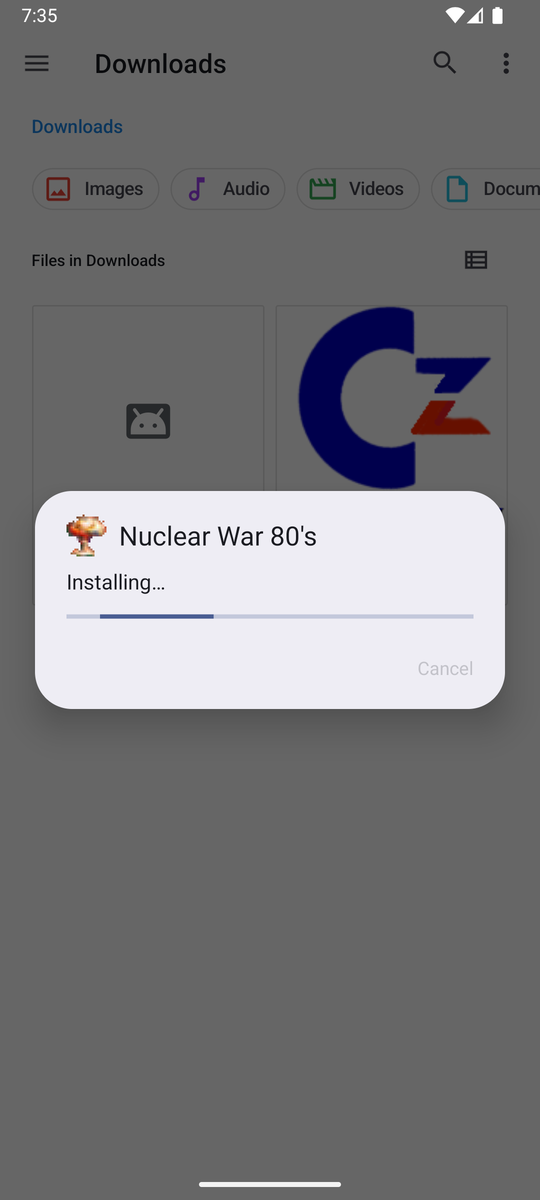
The app is large (about 230 MB) so installation takes a minute:
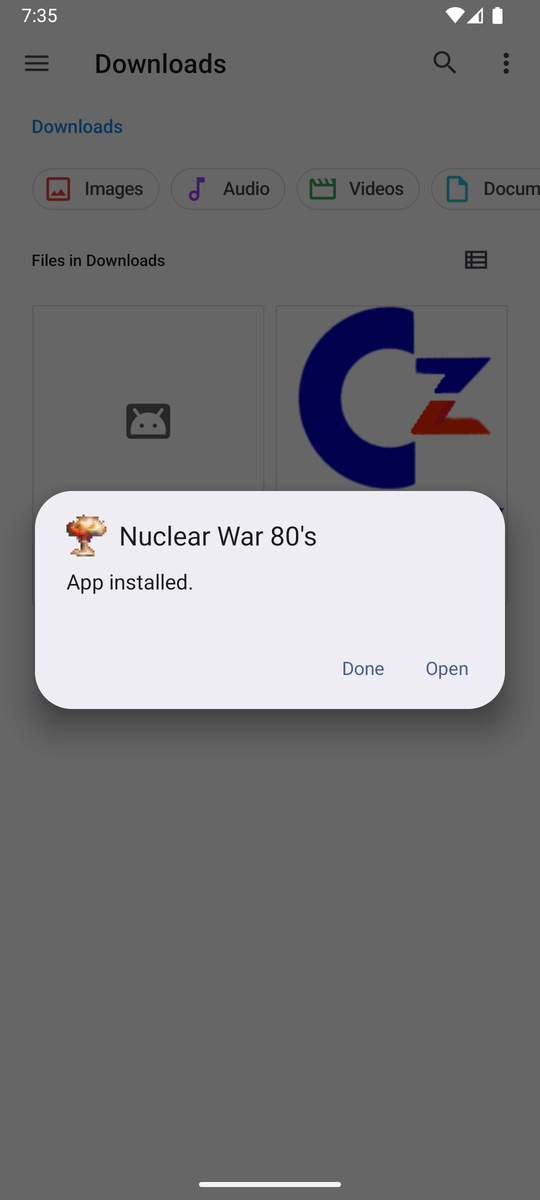
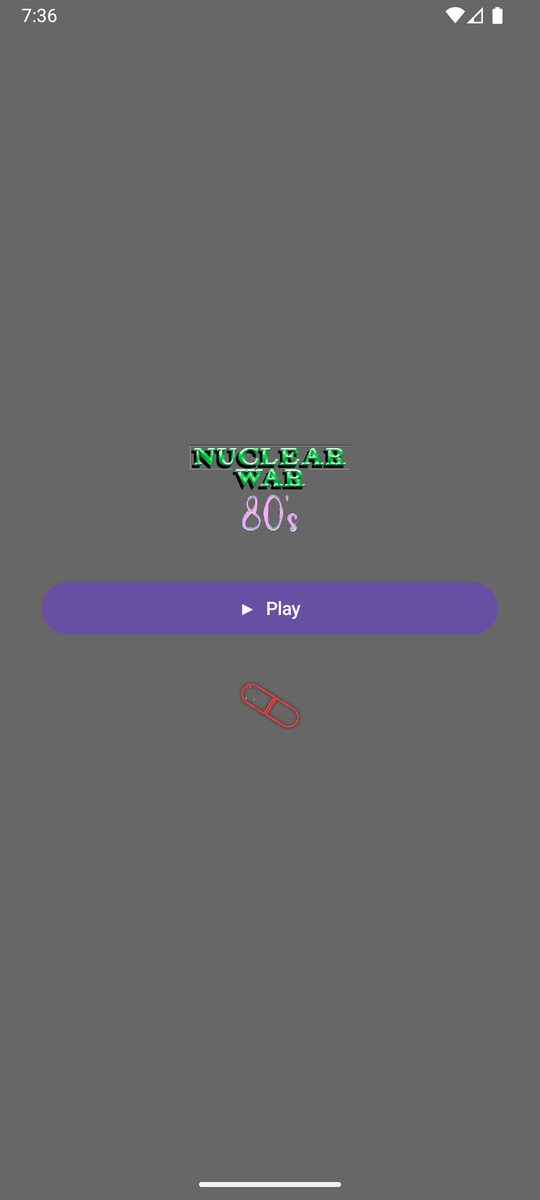
Your welcome email has a green ONE-TAP SETUP button. Install CzenVault first, then come back to the email on your phone and tap it: CzenVault opens and offers to save your access key for you — no typing, no copying and pasting between apps. Your passphrase is chosen next, and that never leaves your hand.
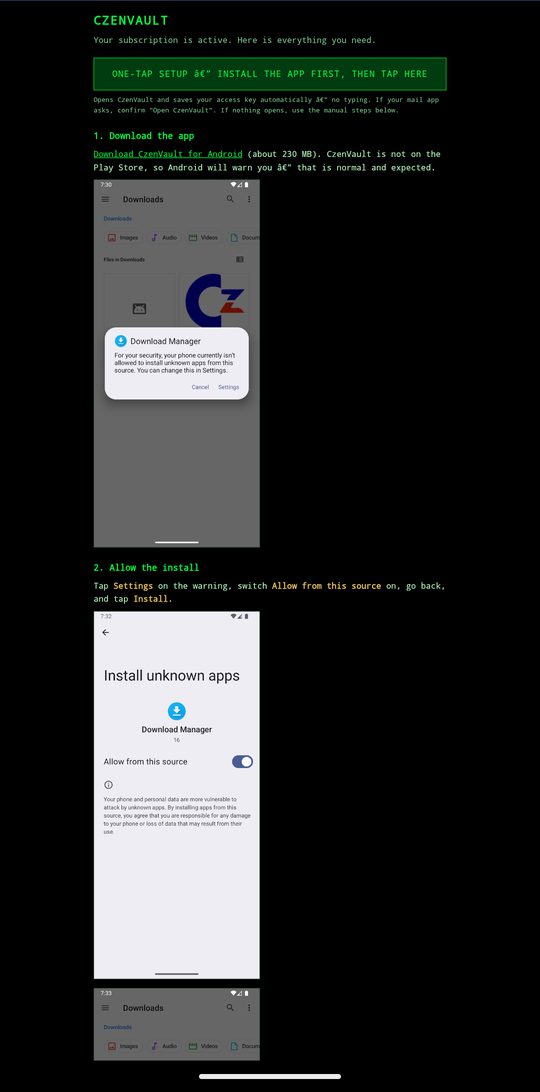
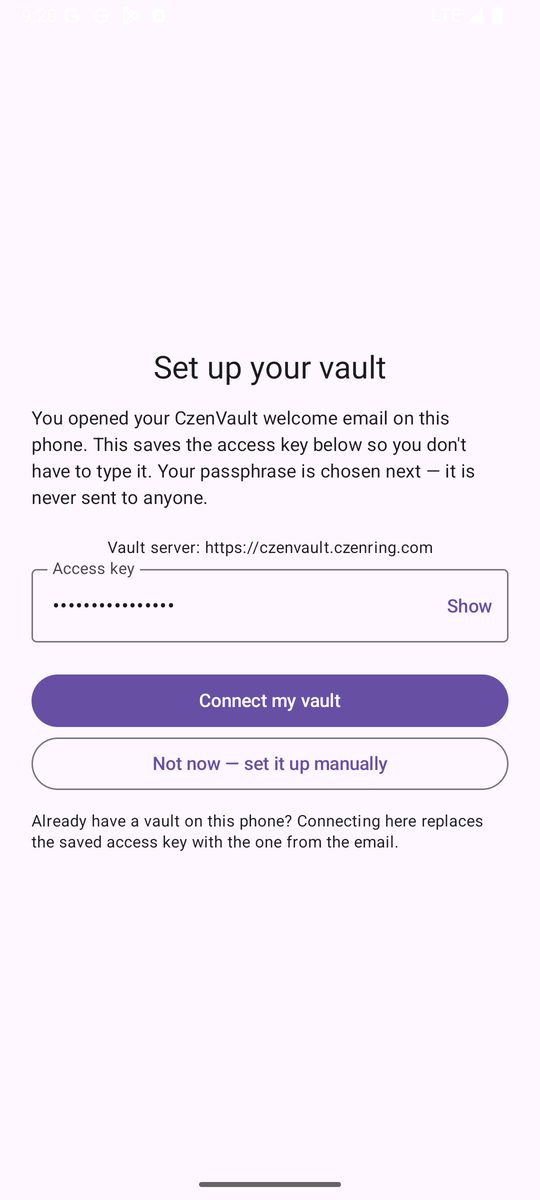
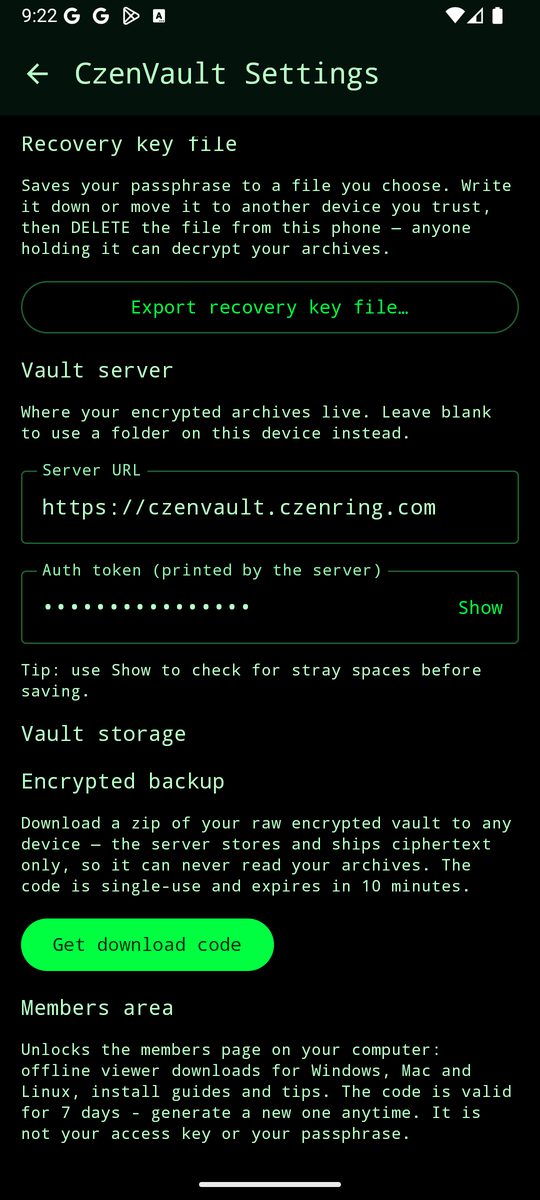
Prefer to do it by hand? The email also lists the manual steps, and the access key is there to copy whenever you want it.
Manufacturers reword these dialogs. On Samsung phones Play Protect may say "Install anyway" instead of showing an install button — the steps are identical. Older phones may also show the app's technical name during install — that is normal.
If Google Play Protect ever says this app is not scanned or unknown, tap More details → Install anyway. CzenVault is distributed by direct download only, so Play Protect has no Play Store record to match it against.
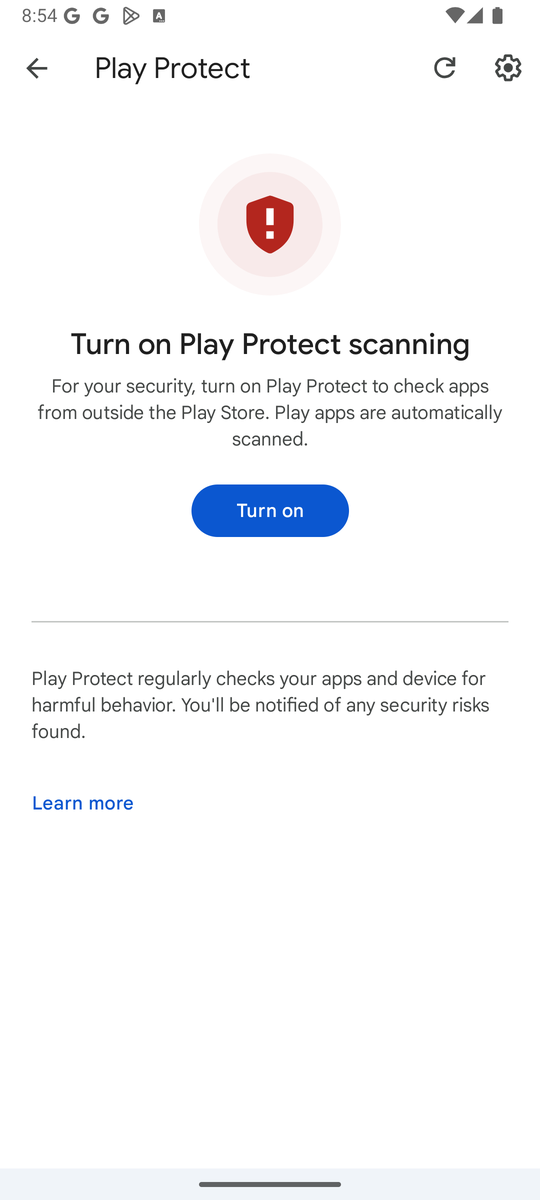
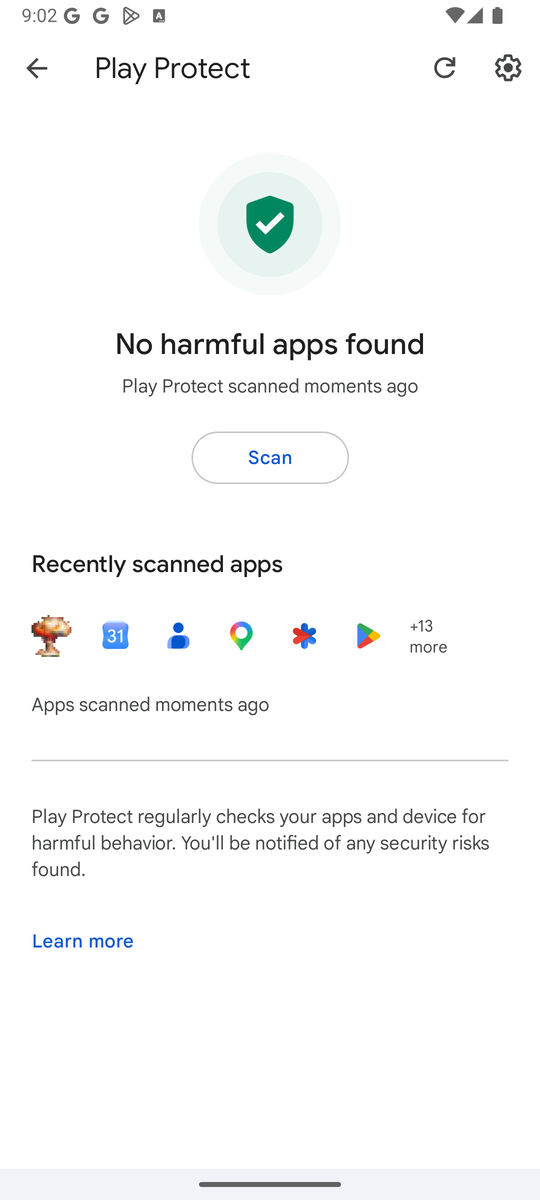
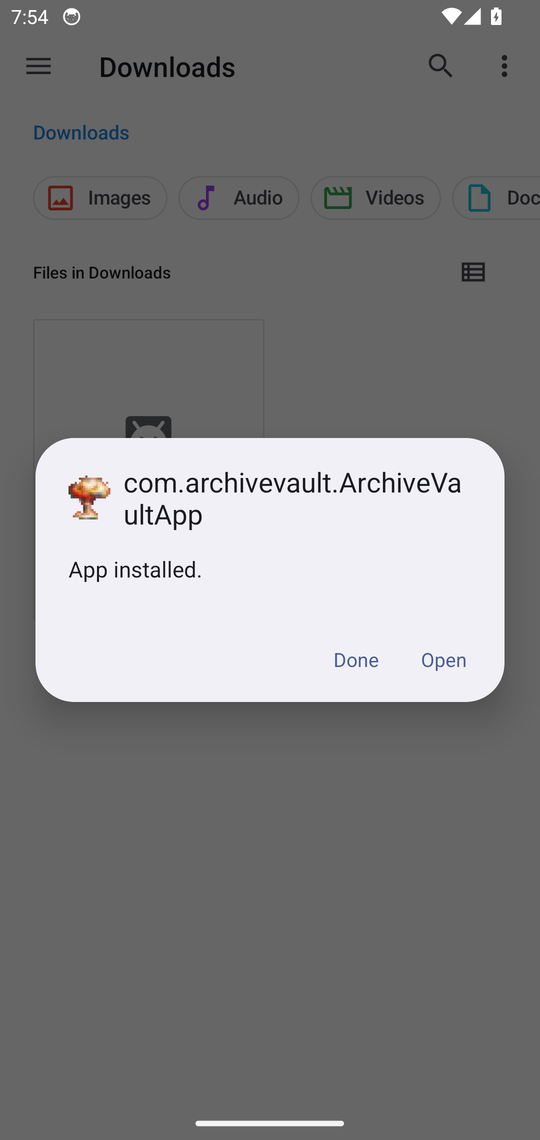
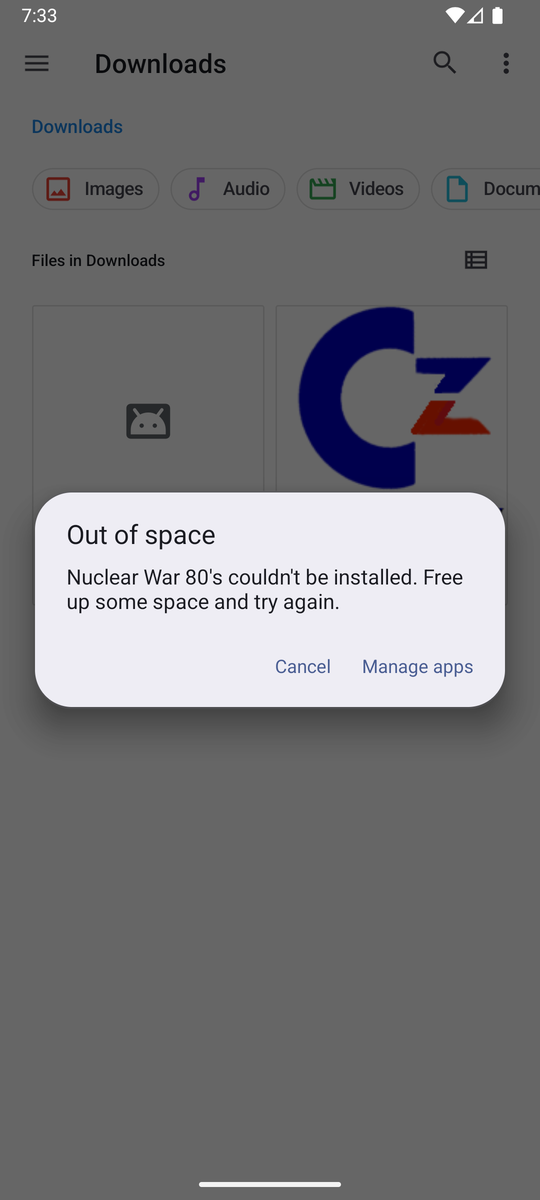
Still stuck? Email support@czenring.com and we will walk you through it.
Trust claims are cheap. Here is what we can show instead of tell. Everything below was pulled from the actual APK you download — the same file, verified with public tools.
The APK was installed on a real signed-in Android device and scanned by Google Play Protect: “No harmful apps found.” The screenshots in the install guide above are that real scan. We make no privacy claims on Google's behalf — Play Protect checks for harmful behaviour, and CzenVault has none to find.
The compiled app was examined: the only third-party code inside is Android's own UI library and Google's QR-code scanner. There is no analytics SDK, no ad network, no crash reporter, no social tracker — nothing that phones home to anyone but your own vault.
The game's high-score board is the one exception to “phones home”: a win can post your chosen nickname and score to an anonymous, per-difficulty leaderboard. It stores nothing else — no account, no auth token, no IP address, no link to your vault — and a better score simply replaces your old one. Ignore the board and it stays silent.
Android shows you each of these before granting it. Nothing here is requested silently or in the background.
| Permission | What it is for |
|---|---|
| Photos & video | Reading the items you tag so they can be encrypted and uploaded to your vault. |
| Contacts | Archiving your contact list, and writing it back only when you choose to restore. |
| SMS (read only) | Archiving message threads you select. CzenVault can never send a text on your behalf. |
| Camera | Scanning the QR code when you pair another vault user as a contact. |
| Microphone | Recording a voice note inside vault messaging — only while you hold record. |
| Internet | Uploading your encrypted archive to your own vault, over an encrypted tunnel. |
| Notifications & background | Running the 12-hour auto-upload sweep for anything left tagged, and telling you when it completes. |
And what CzenVault never asks for: your location, your call history, the ability to send SMS, your phone's identifiers, or accessibility controls.
From your phone, tagged items are encrypted with your passphrase (Argon2id + AES-256-GCM) before they leave the device, then sent to your vault over an encrypted connection — HTTPS, or a WireGuard tunnel if you connect through your own network. The server stores only ciphertext — files we cannot open, names we cannot read. There is no second destination, no CDN copy, no “anonymous statistics”.
When a sweep archives your tagged items and wipes the originals, the deletion is not a sleight of hand: each file's bytes are overwritten with random data and forced to storage before it is unlinked, so undelete and carving tools find garbage where your files used to be. We'll tell you the limits plainly: phone flash storage is wear-levelled, so no app can commandeer the controller, and contacts and SMS live in Android's own databases where only deletion is possible — your device's built-in encryption is the backstop there. Most importantly, the wipe only runs after your encrypted copy is confirmed in the vault, never before.
Verify us: the tools used above (aapt, a zip tool) are free and public. Download the APK yourself and check — it should always match this page.
Because we cannot read your vault, we cannot hand it back to you as a file. Before you cancel, open the app and restore everything to your phone, then back it up by whatever method you trust.
If a payment fails, you get a 14-day grace period with full access and clear warnings. After cancellation we keep your encrypted vault for 30 days in case you return — then it is permanently deleted. After deletion, no one can bring it back. Not us, not anyone.
Your data is gone. That is not a policy — it is the mathematics of real encryption. We store no copy of your passphrase and no recovery key. Write it down and keep it somewhere safe off your phone.
No. Encryption happens on your phone before anything is uploaded. The server stores sealed ciphertext in anonymous folders and mailboxes, and mailbox traffic is never logged.
No. We hold only ciphertext, and we do not have your passphrase. There is nothing readable to hand over — by design, not by discretion.
Android. The app is installed by direct download (a link we send you after subscribing) — it is not on the Play Store.
Don't create a new vault. On first launch, tap “Already a player? Restore your progress”, enter the access key from your welcome email and your passphrase — your vault reconnects and everything is where you left it. Use Archive Control to restore collections back onto the new device.
Inside the app, wiping a swept file means its bytes are overwritten with random data before it is removed — see the Verified & transparent section above for the full, honest picture including the limits. Deleting a collection from your vault (Archive Control) warns you first: files still on your phone are safe, but if the originals are gone, that data is unrecoverable.
Your vault lives on a server we operate and back up. A flat $10 AUD/month covers that — no ads, no data selling, no investors to please. Privacy tools funded by anything other than their users eventually answer to someone else.